

Agile EO Webinar: Updates to the Planet Add-in for ArcGIS Pro

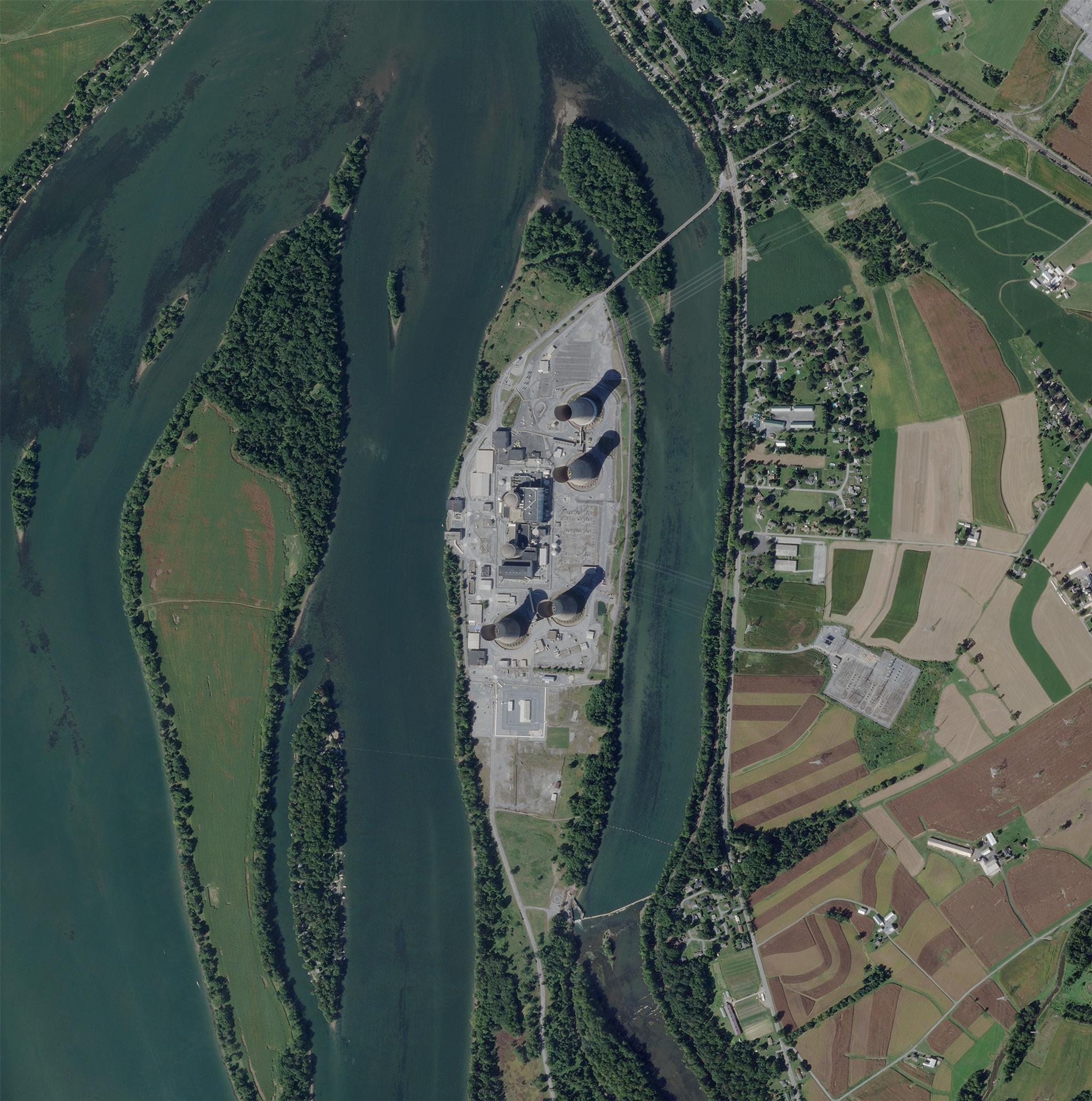
SkySat image of Three Mile Island Nuclear Generating Station in Pennsylvania, United States, captured September 24, 2022. © 2022 Planet Labs PBC. All Rights Reserved.
TechGeospatial professionals understand the power of integrating high-resolution satellite imagery into their workflows. For years, the Planet Add-in for ArcGIS Pro has been a crucial tool for our customers and partners because it allows them to discover, preview, and download PlanetScope® and SkySat® imagery directly within their ArcGIS environment.
We are excited to share updates to our Add-in that makes it easier to share data across your organization through cloud-native streaming options, so you can spend less time managing imagery and more time using it.
Our webinar, Streaming and Sharing Planet Data: Update to Planet Add-in for ArcGIS Pro, unveiled these exciting new capabilities, designed to streamline your operations and increase flexibility. Read on to see the highlights!
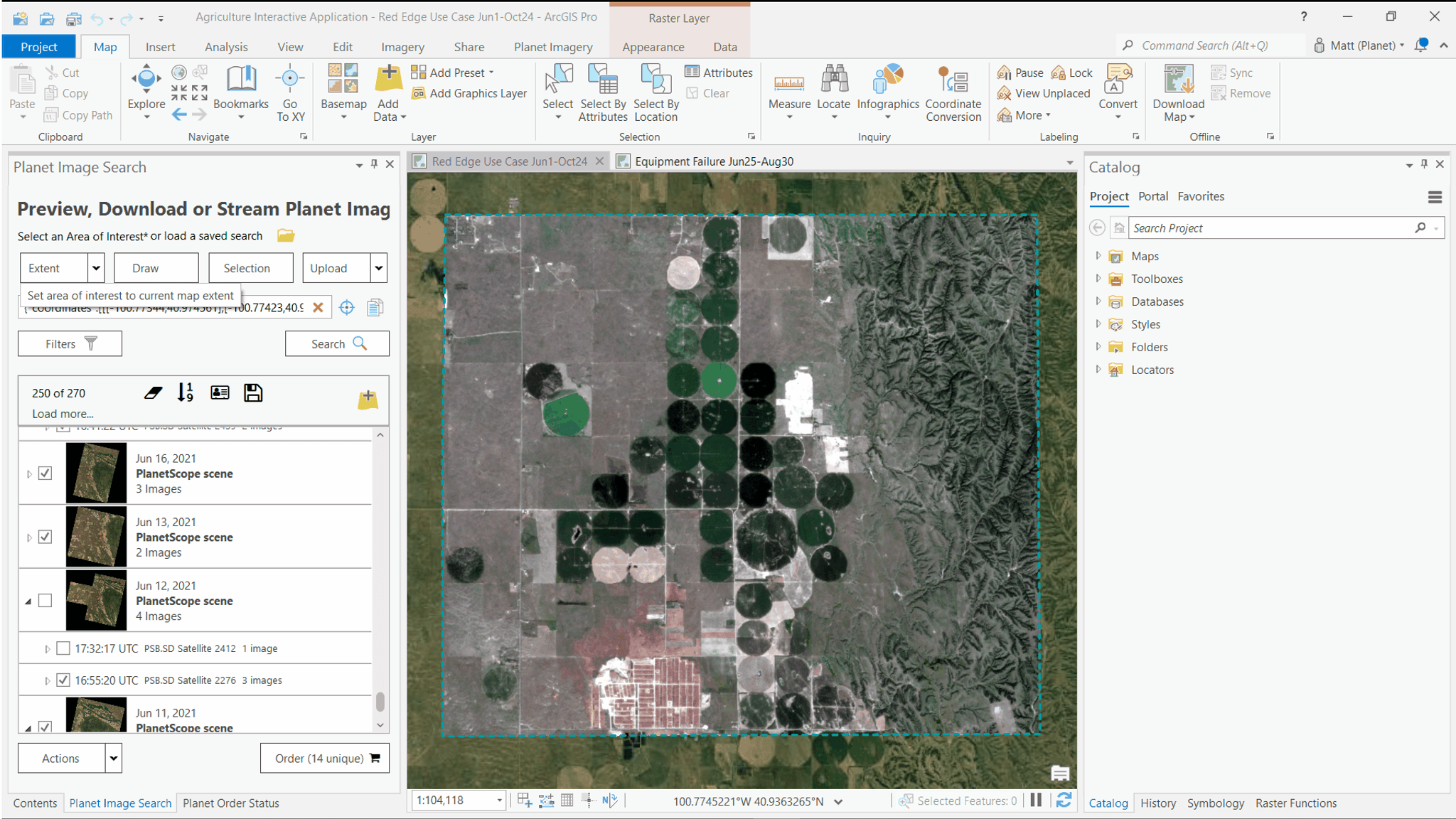
PlanetScope imagery accessed through the Planet Add-in for ArcGIS Pro and used in a spectral analysis to calculate spectral indices.
The Evolution of Your Planet Data Workflow in ArcGIS Pro
Previously, working with Planet data in ArcGIS Pro often involved managing local GeoTIFF downloads – which could be time-consuming and resource-intensive, especially with large datasets. Our latest updates fundamentally change this process by shifting to cloud-native data management and seamless streaming.
Here’s what we’ve done:
Improved data management
We created a new delivery destination option for cloud data storage on Planet Insights Platform. Say goodbye to wrestling with local GeoTIFFs. Now, you can store your ordered Planet data centrally in cloud collections on Planet Insights Platform. We handle the data indexing and management to streamline your access.
Accelerated visualization and analysis
We enabled default configurations that allow you to quickly visualize your data. Now you can easily view ordered imagery with out-of-the-box and custom visualizations. With the new "Visualize" panel you can stream multi-spectral data (like false color infrared or NDVI) directly into ArcGIS Pro without any local downloads.
Streamlined data sharing
We made it easier to share data across your organization by leveraging streaming web services and OGC standards. With links to the streaming services you can now avoid moving large files around, and share web maps in seconds.
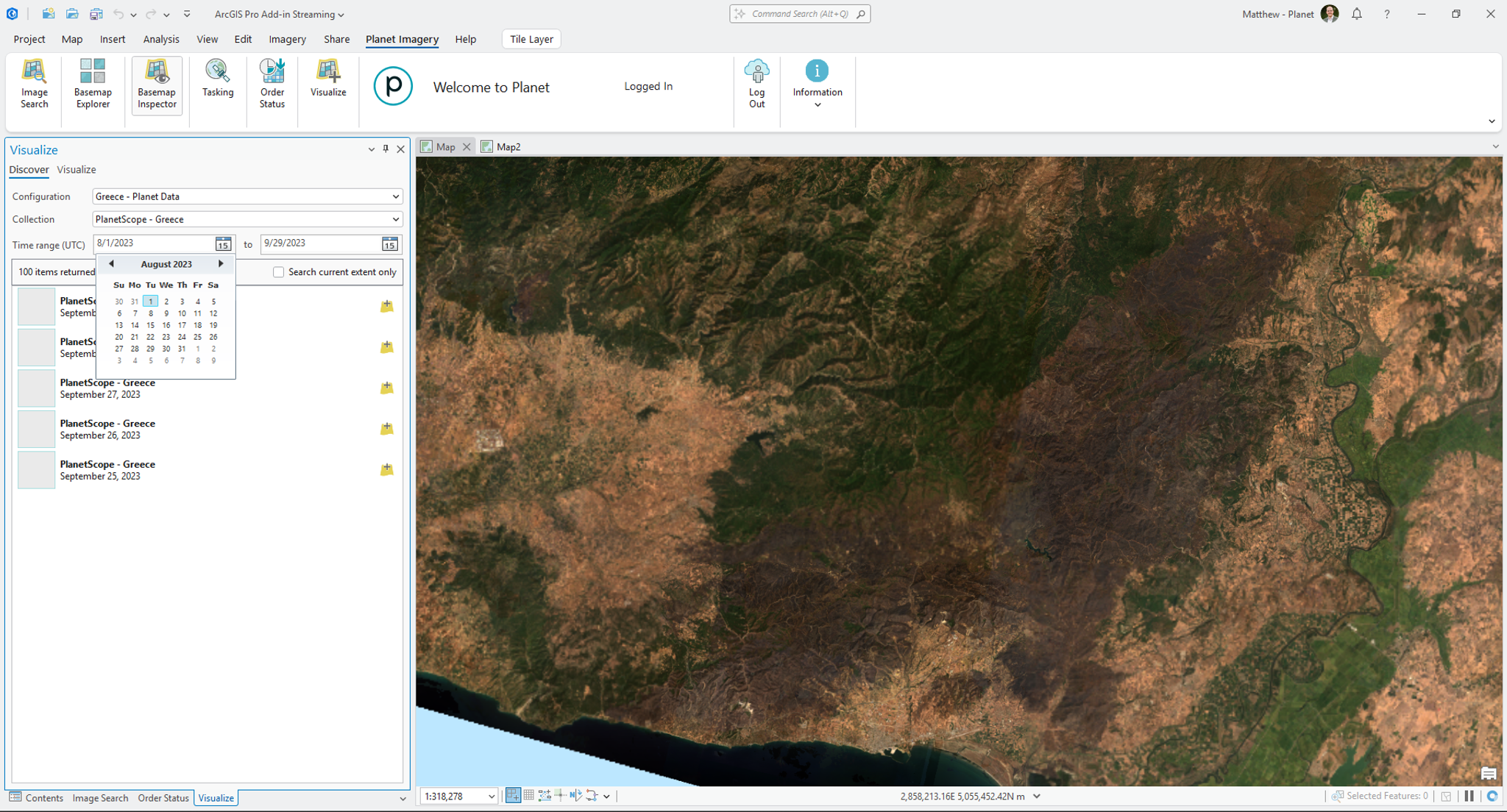
True color visualization of a wildfire burn scar in Greece. True color composite generated on Planet Insights Platform and streamed into Planet Add-in for ArcGIS Pro.
A Live Look: Planet Data in Action
Our webinar included a live demonstration of how the add-in works, including the new capabilities (skip to 7:57 in the recording to start watching). Here a quick summary:
- Search and discover imagery: Quickly find available PlanetScope and SkySat imagery for any area of interest.
- Order directly to a data collection: Use the new "Deliver to a Data Collection" option to bypass local downloads and centralize your data on Planet Insights Platform.
- Automate visualizations: Automatically create a configuration when you order to a collection to define default visualizations like true color, false color, NDVI, and more.
- Stream instantly with the new "Visualize" tab: Access all your data collections and their defined visualizations directly within ArcGIS Pro.
- Leverage time animation: Easily analyze changes over time using a time animation slider — even compositing imagery over specified date ranges – which is a significant improvement over manually toggling layers.
- Create custom visualizations: Go beyond default views to create sophisticated composites, such as burn scar severity maps, directly in Planet Insights Platform and stream them into ArcGIS Pro.
- Share with ease: Publish web maps containing your Planet imagery in seconds using the new links to the streaming services, simplifying collaboration across your organization.
Get Started Today
These powerful updates to the Planet Add-in for ArcGIS Pro are now live. They represent a significant leap forward in making your Planet data more accessible, manageable, and shareable within your critical GIS workflows.
Ready to revolutionize your ArcGIS Pro workflow with Planet data? Watch the full webinar recording or read more in our Planet Community post.
Are you a current Planet customer? Ensure you have the Planet Add-in installed in ArcGIS Pro and you'll automatically be notified of updates to install.
And if you’re new to Planet and interested in learning more, reach out to our Sales team today to get a conversation started.

Ready to Get Started
Connect with a member of our Sales team. We'll help you find the right products and pricing for your needs.