

What Is the Planet MCP and How Do I Install and Use It?

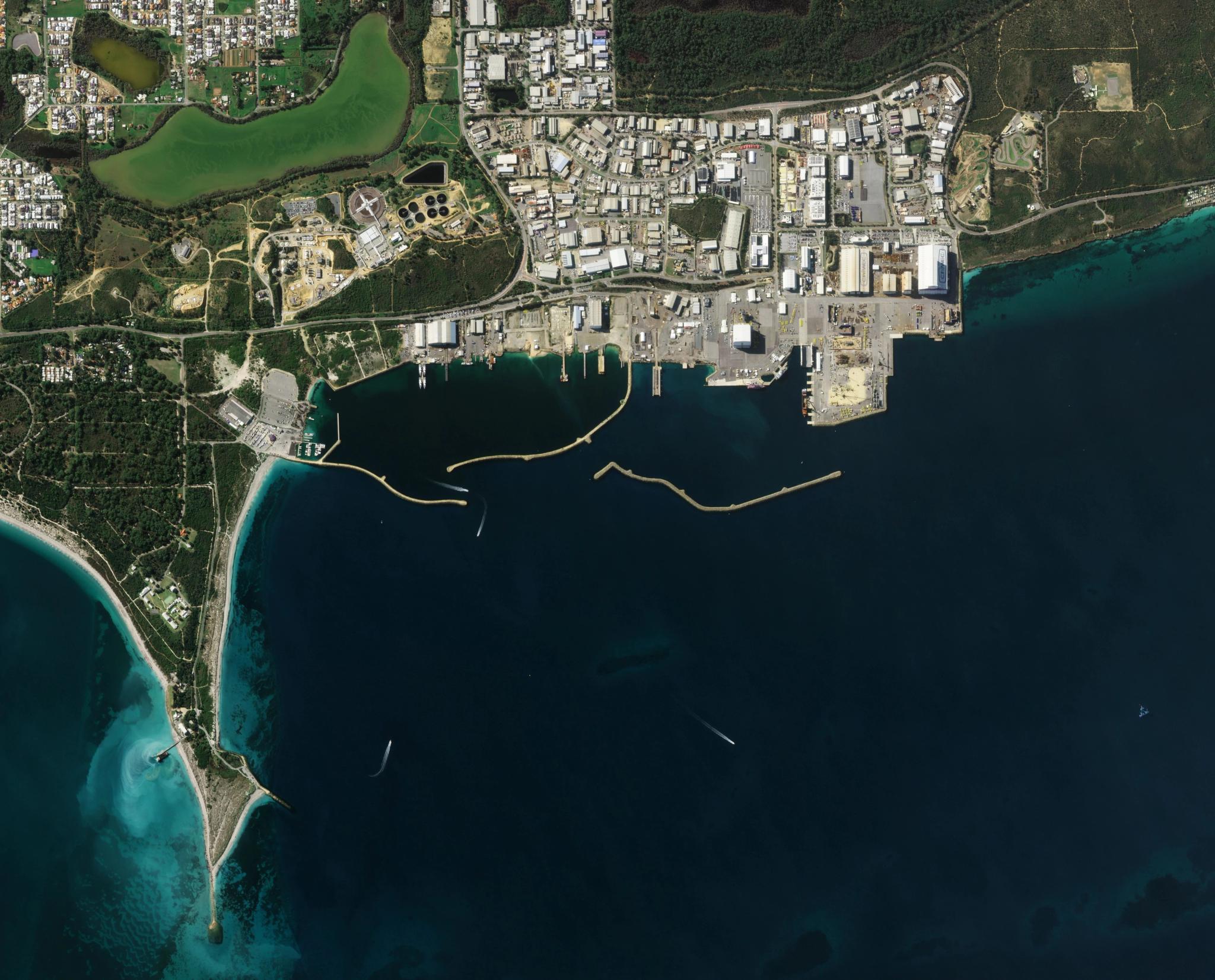
Pelican image of Henderson, Australia captured June 19, 2026. © 2026 Planet Labs PBC. All Rights Reserved.
EducationIf you want to ask Planet questions from an AI chat interface or agent, Planet offers Model Context Protocol (MCP) options that give your AI a direct path to Planet resources and platform tools. Planet currently offers two MCP options, one focused on documentation answers and one focused on Planet platform actions such as catalog search, image preview, and ordering.
In practical terms, setup starts with installing the right MCP service, signing in with your Planet credentials, and adding a short server entry to your AI client configuration. Once connected, you can get source-based documentation help or run a defined set of platform commands through natural language prompts in your existing workflow. Read on to learn more about what you can do with Planet MCPs.
Planet MCPs
Model Context Protocol, or MCP, is an open standard that lets AI applications connect to external tools and data through a common interface. MCP is the connection method, while an MCP server is the service that your AI connects to for various capabilities; in Planet’s case, either documentation content or selected platform functions.
This shared format lets clients like Claude, Gemini, ChatGPT, and Copilot work with the same server pattern without a custom integration for every pairing. Once connected, your assistant can request source-based documentation answers or invoke approved platform operations based on the MCP server you configured.
Planet offers two MCP options, and each serves a different job.
- The documentation MCP is hosted by Planet and provides product assistance, pulling from Planet documentation, community, help content, and related knowledge sources.
- The platform MCP is installed and runs locally, and connects your AI assistant to selected Planet Insights Platform functions such as catalog search, image preview, and ordering through your authenticated account.
Together, they support two common workflows, getting grounded product guidance and running specific platform actions from your AI client.
Installing the Planet Documentation MCP in Three Steps
You can set up the documentation MCP in just three steps.
- Open Planet Ask AI, then open the Use MCP option. Copy the MCP URL, https://planet.mcp.kapa.ai, or click one of the buttons to quickly add it to one of the AI clients.
- Add that configuration to your assistant settings in tools such as Claude, Gemini, ChatGPT, Cursor, or Copilot.
- Restart the client and run a quick documentation question to confirm the connection is active and returns source-based answers.
Installing the Planet Platform MCP in Three Steps
You can also set up the platform MCP in just three steps.
- Install the local server package with pip install planet-mcp on a machine with Python 3.11 or newer.
- Authenticate your Planet account by running planet auth login so the local server can call your account-scoped APIs.
- Add the planet-mcp command to your AI client MCP configuration, restart the client, and test with a simple catalog search before moving on to preview or ordering tasks.
Learn More
To learn more about Planet MCPs, you can read the questions and answers below, or our technical documentation.
Questions You Might Have
Use the documentation MCP when you need grounded answers from Planet documentation, help content, learning materials, and community knowledge.
Use the platform MCP when you need to run platform actions such as catalog search, thumbnail preview, feature collection work, and order flows through your authenticated account.
A simple way to decide is to ask whether your prompt needs an explanation or an action. If your goal is understanding, choose docs. If your goal is execution in Planet APIs, choose the platform MCP.
Key Takeaway: Pick the documentation MCP for source-based guidance and the platform MCP for account-backed API actions.
The documentation MCP is hosted by Planet and is accessed through Planet Ask AI entry points, then connected to your AI client with the provided MCP configuration.
The platform MCP runs locally on your machine after you install planet-mcp and authenticate with planet auth login. In day-to-day use, this means docs setup is mostly configuration, while platform setup includes local package install, local runtime, and account auth. That deployment split also shapes maintenance, because local installs may need environment checks when paths or Python environments change.
Key Takeaway: Documentation MCP is hosted by Planet, while platform MCP is a local server you install, authenticate, and run.
The current platform MCP supports a defined beta feature set that includes natural language catalog search, image previews, asset ordering workflows, and feature collection interactions. It is intended for practical API operations through chat prompts, with capability scope that can change as the beta develops. This tool is experimental software, and tool options may change over time based on testing and feedback.
If you have ideas for what should be added next, post your request in Planet Community so the team can review it with other user feedback.
Key Takeaway: The platform MCP supports a focused beta action set today, and Planet Community is the right place to suggest future features.
No, not today. The documentation MCP is limited to knowledge sources, and it does not run analytical workflows on imagery. The platform MCP is currently based on Planet Python SDK operations and supports a defined set of API actions, but it does not currently include analytical features for questions such as what has changed in satellite data over a specific location.
If you want agentic AI interfaces for exploring satellite imagery, you should explore our agentic AI at ai.planet.com, a tool currently in beta testing, which synthesizes satellite data, AI-enabled change detection, and public information in a simple, map-based chat interface — to give you geospatial insights, almost instantly.
You can also share analytics feature requests in Planet Community so the team can prioritize future additions.
Key Takeaway: Neither Planet MCP currently supports satellite data analysis workflows, and AI.planet.com is the current path for agentic imagery exploration.

Ready to Get Started
Connect with a member of our Sales team. We'll help you find the right products and pricing for your needs.